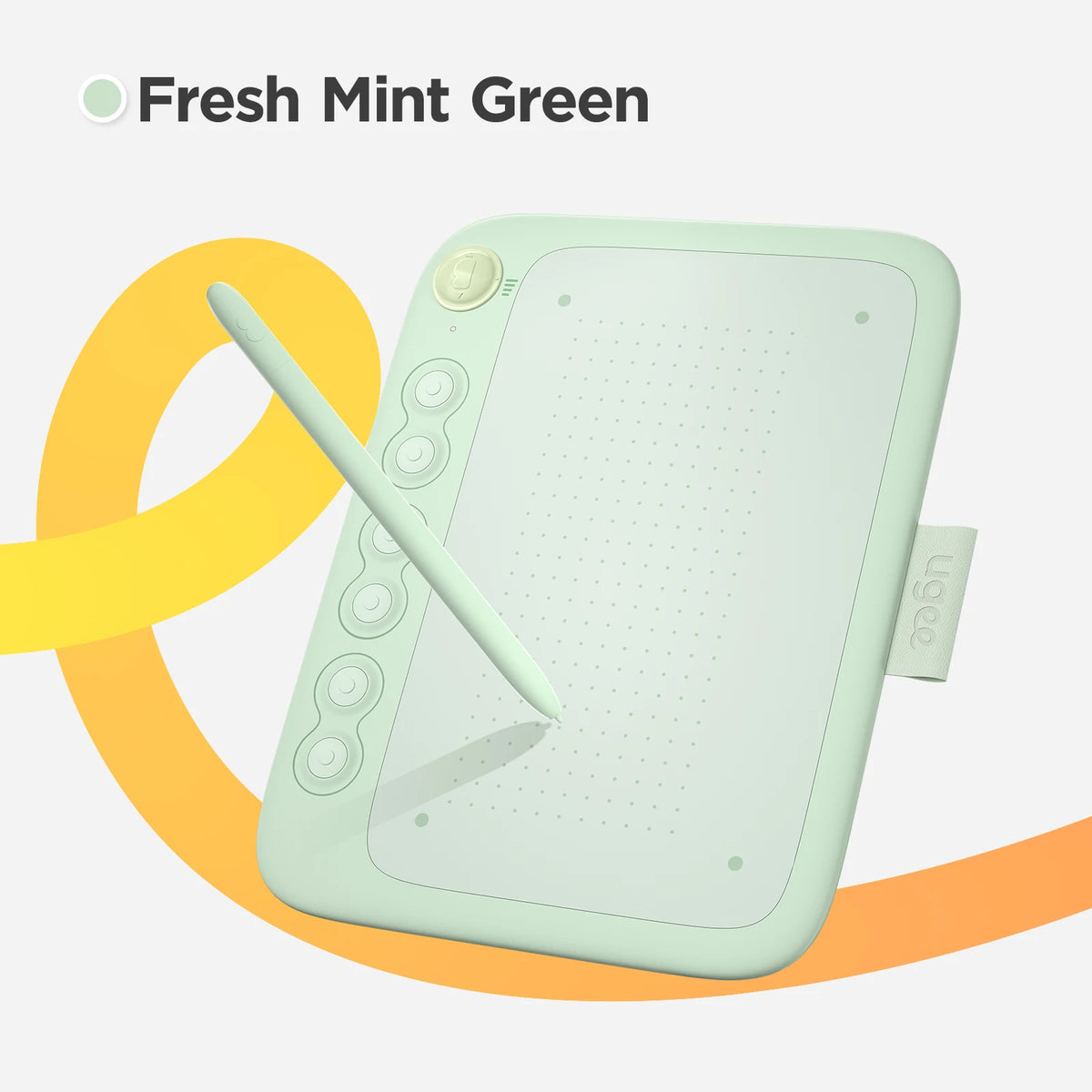
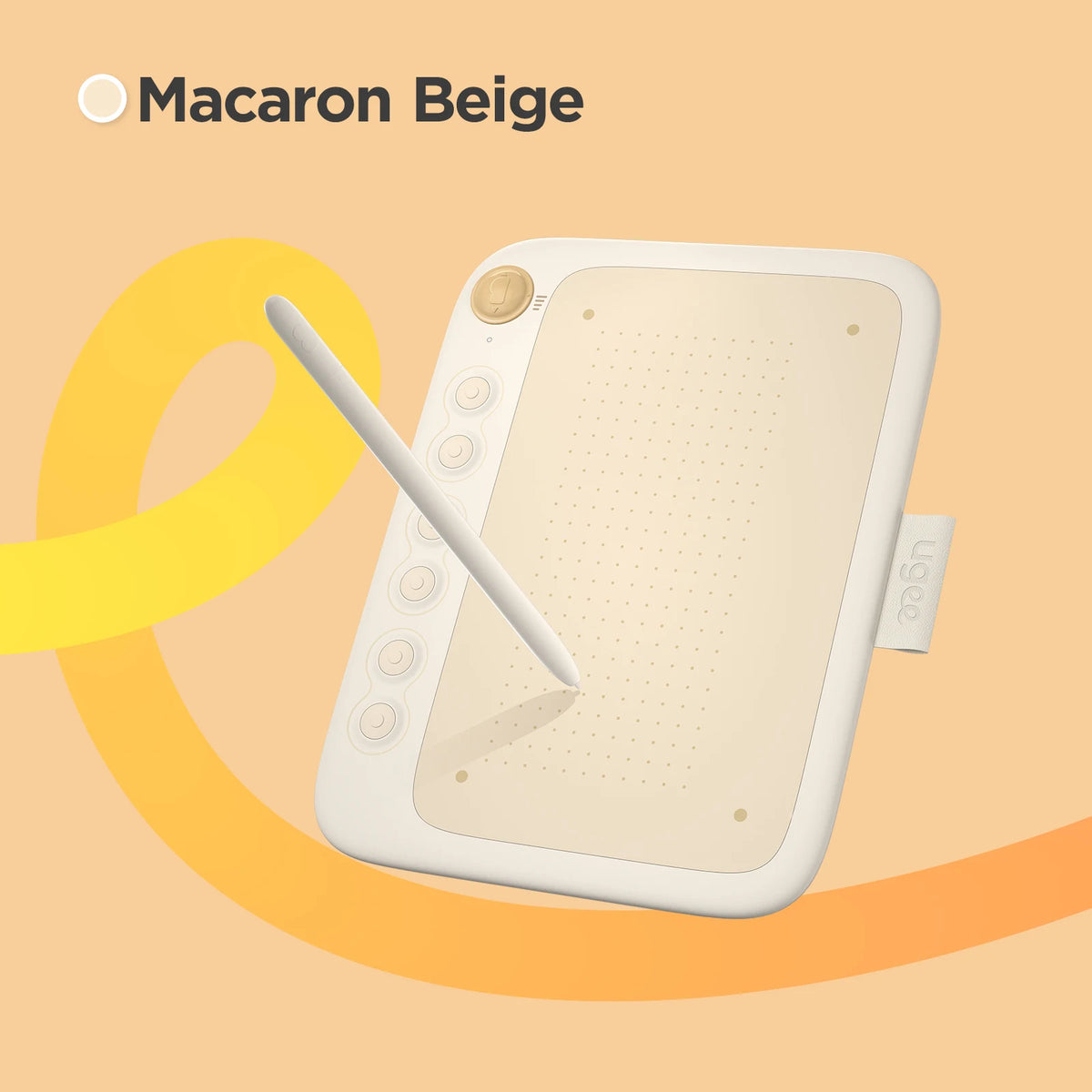
UGEE Q6 Compact Graphics Tablet for Digital Drawing
Turn sketches and handwritten ideas into digital pen input with the UGEE Q6. This 6-inch drawing tablet pairs a battery-free stylus with 8192 pressure levels and 60° tilt support, as specified in the existing listing. Six shortcut keys and four adjustable drawing modes help organize your workflow on compatible devices. Imagine sketching a concept, adjusting your drawing mode to your device and refining the lines in your preferred supported app. It is a connected graphics input tablet, not a standalone screen or LCD doodle board.
Features for Creative Workflows
- ✍️ Battery-free stylus: Passive electromagnetic pen technology removes the need to charge the pen.
- 🎨 8192 pressure levels and 60° tilt: Adds expressive pen input where the application supports these functions.
- 🎛️ Six shortcut keys: Physical controls for supported software workflows.
- 📐 Four adjustable drawing modes: Switch modes to accommodate different drawing-area proportions.
- 🔌 Type-C cable design: The description identifies a cable that can be detached or stored.
Specifications
| Brand and model |
UGEE Q6 |
| Category |
Graphics pen-input tablet |
| Listed size |
6 inches; exact active-area dimensions are not specified in verified text |
| Stylus technology |
Battery-free electromagnetic pen |
| Pressure sensitivity |
8192 levels |
| Tilt support |
60° |
| Controls |
6 shortcut keys and 4 adjustable drawing modes |
| Connection |
Type-C cable design |
| Listed platforms |
Android, Linux, macOS, Windows and Chrome OS; iOS support is listed only with ibis |
Frequently Asked Questions
Q: Who is the UGEE Q6 graphics tablet for?
A: It is a digital drawing and handwriting tool for users with compatible devices and software. The listing does not establish a minimum age. Younger users need adult guidance; this is not an infant toy.
Q: Can it be used for digital art and written notes?
A: It supplies pen input to compatible apps for drawing or handwriting. Pressure and tilt effects depend on application support. Drawings are viewed on the connected device, not on a built-in display.
Q: Is it a useful gift for a beginning digital artist?
A: It can suit someone interested in pen-based digital creativity. Confirm their operating system, connection requirements and preferred software before buying, especially if they expect a tablet with its own screen.
Q: How do I set up the drawing tablet?
A: Follow the manufacturer instructions for connecting the Type-C cable and installing any required software. Select the appropriate drawing mode and test the pen and shortcuts in a supported app. Exact operating-system version requirements are not given in the verified text.
Q: Does the pen need charging, and what accessories are included?
A: The listed stylus is battery-free. The description identifies the stylus and Type-C cable design but does not provide a complete verified package list. Do not assume a computer, phone, extra adapters or spare nibs are included.
Q: Can it support STEM or STEAM activities?
A: With suitable software and adult-led instruction, it can be used for diagrams, digital design and art-and-technology projects. It is an input tool rather than a preloaded STEM curriculum, and learning outcomes depend on the activity.
Fast US Shipping
Ships from US warehouse, free delivery 2-7 business days